

BrowZine: Reading journals made easy

What is BrowZine?
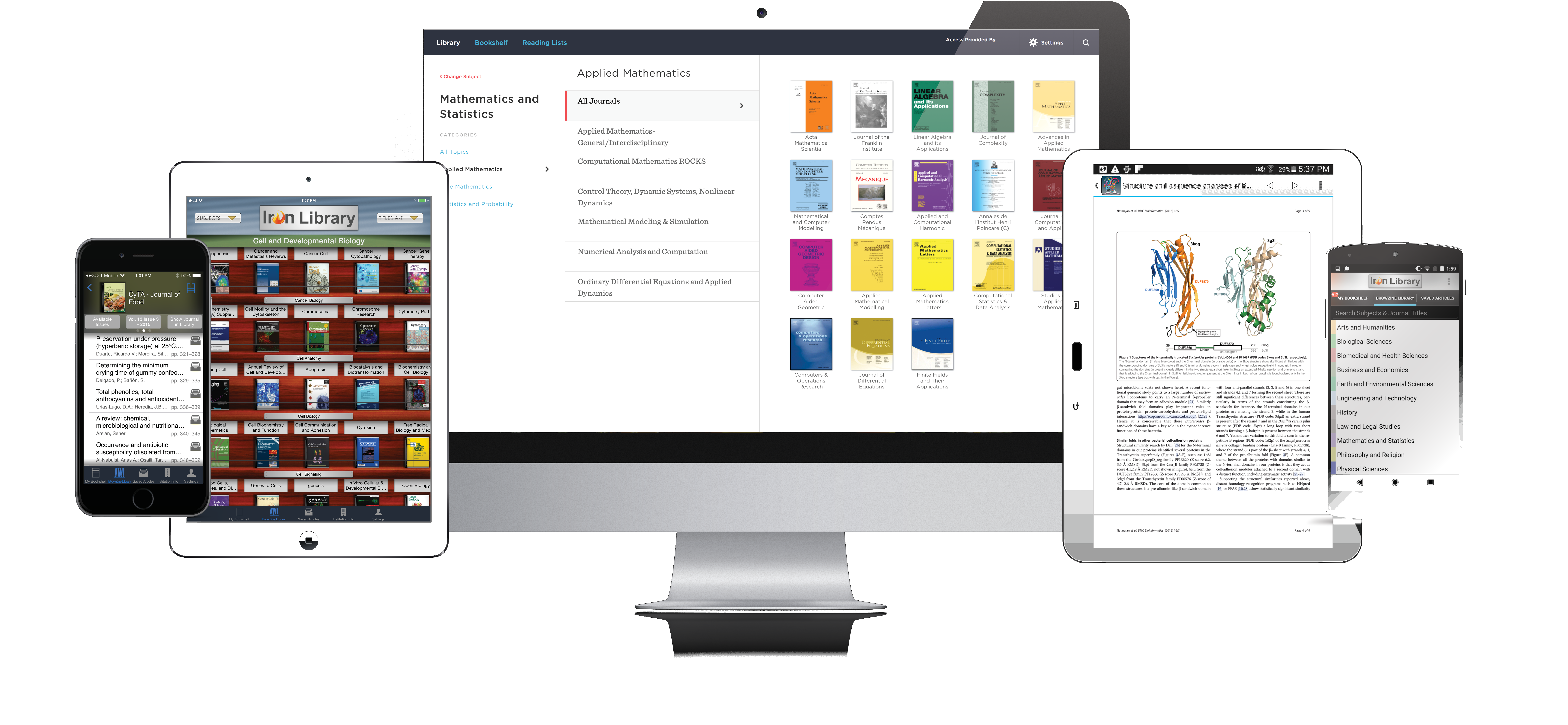
BrowZine is an application for the web, iPad and Android tablets that displays the latest issues of subscribed ejournals in a graphical shelf view, adding a visual component to the search function.
The view invites you to browse through the shelves. The ejournals can be sorted by topic or searched alphabetically by title. Clicking on the covers takes you to the current tables of contents and the respective PDF files of individual articles.
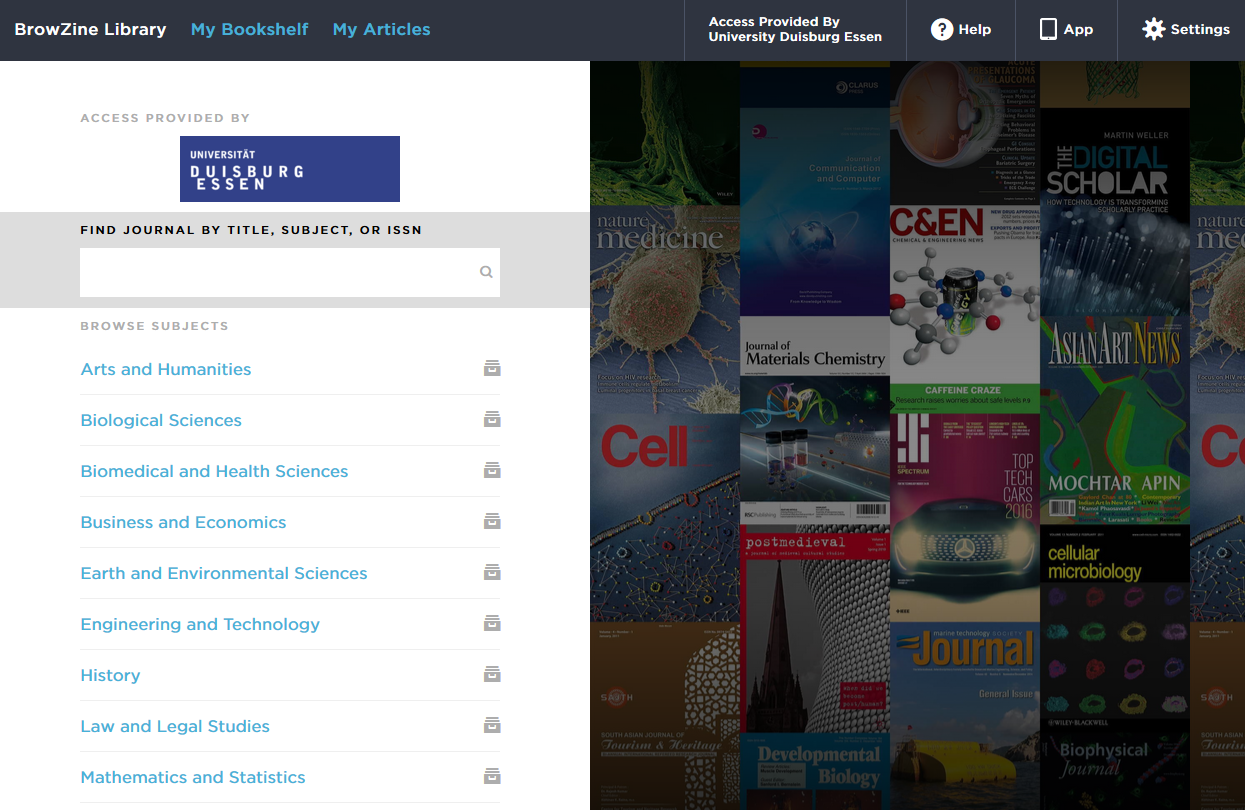
Access via browser
Go to the BrowZine home page: http://browzine.com/libraries/1002
If you are on campus and/or on the UDE university network, BrowZine will automatically display the library profile.
Access via App
Download BrowZine:
From Android or Kindle Fire devices, visit the Google Play Store or Amazon App Store. Search for "BrowZine" and download the app to your device.
If you have previously used BrowZine via Open Access Library, please delete the app and reinstall it.
Access to BrowZine:
Tap on the app icon to open BrowZine. A list of libraries will appear; please select University Duisburg Essen. Now enter your university ID (= 'Unikennung') and password for authentication.
Start browsing!
Use the "Subject" drop-down menu to browse for journals in your subject area, or select the A-Z title list to search for a specific journal title.
Access from outside the UDE university network
If you are accessing BrowZine from outside the campus, you will be asked to select your institution (= University of Duisburg-Essen) from the drop-down list.
UDE members require access via VPN (Virtual Private Network). Authentication is carried out using your university ID (= 'Unikennung') and password.
Data protection
- The service is provided by Third Iron / BZ Disc (USA), with whom the University Library has concluded a data processing agreement in accordance with the GDPR (= 'DSGVO').
- Personal registration is not required, but is possible by logging in via Shibboleth.
- As a personalised user, you can save your favourite magazines and receive notifications when new issues are published.
Go directly to BrowZine: http://browzine.com/libraries/1002
Any questions? Contact us: information.ub@uni-due.de