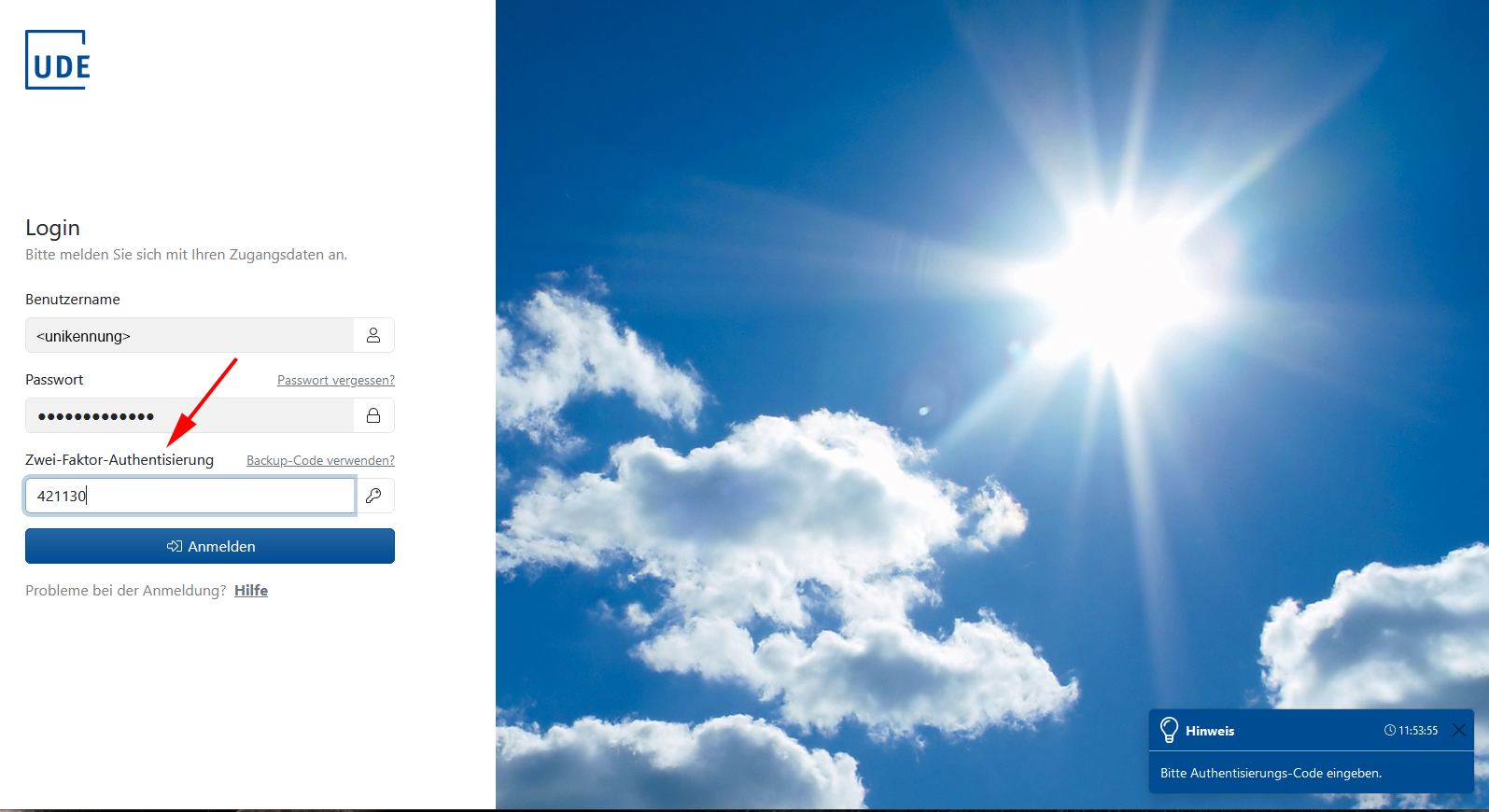
2FA – Logging in to the Selfcare Portal using two-factor authentication
Open the app in which you have registered your token (see ‘register token’), e.g. Google Authenticator or the TOTP device you are using.
Log in at selfcare.uni-due.de using your university ID and password.

Once your password has been verified, you will be asked for the second factor.
You can find this in the app or on your TOTP device.
Please note that the code changes every 60 seconds. It is only valid during this time. If you have not entered it quickly enough, please enter the next code displayed.